
Throttling Downloads will apply speed limit to downloads and help prevent saturating your internet connection. This feature is only available on the Desktop Application as browser settings prevent download throttling.
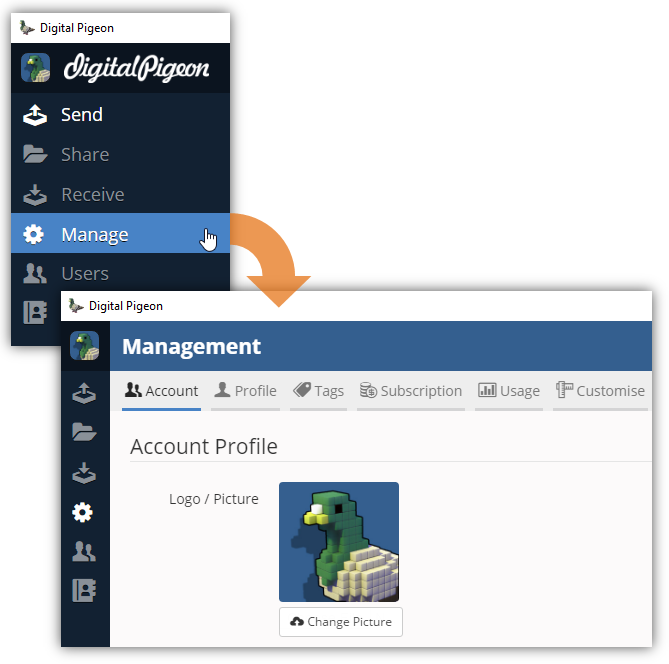
- On the Sidebar Menu, click Manage to open the Management page.
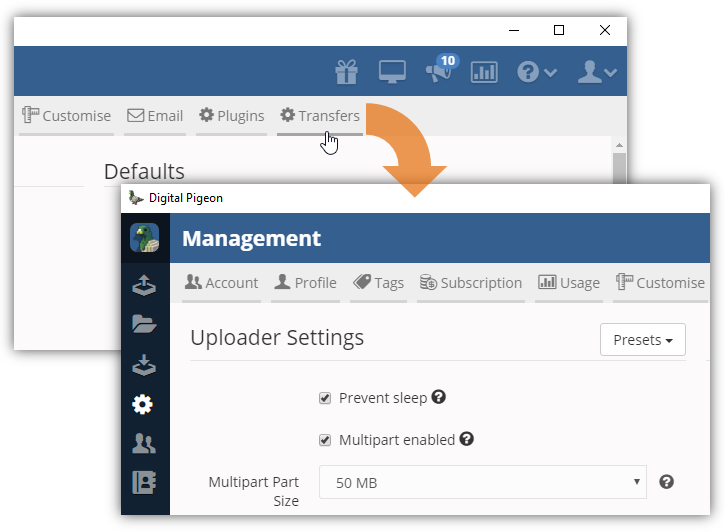
- Find and click the Transfers tab. This opens the Transfers tab where you can configure the transfers/downloads configuration.
- Locate the Downloader Settings section and find the Throttle Downloads (KB/S) field.
- Enter the appropriate throttle speed to apply during file downloads.
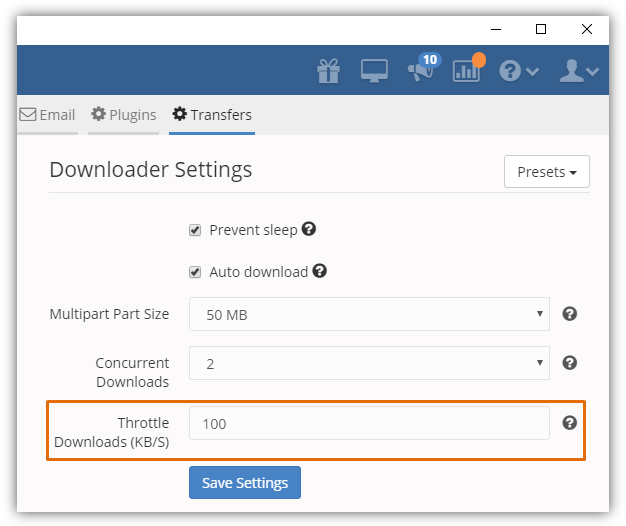
- Click Save Settings to apply the changes.

Comments
0 comments
Please sign in to leave a comment.